Table of Contents
- What are Self-Managed Integrations?
- How to access Self-Managed Integrations
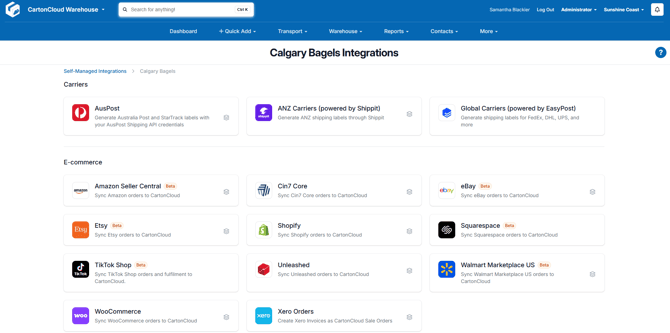
- What Self-Managed Integrations are available?
What are Self-Managed Integrations?
Self-Managed Integrations allow you to create integrations from within your CartonCloud account. You can configure the integration yourself, or your customer can do so from their own CartonCloud login.
Please note that this is a paid integration and will be billable to your CartonCloud account.
How to access Self-Managed Integrations
As an Admin user
-
Navigate to the Integrations page by typing in Integrations in the Search for Anything bar or More>Self-Managed Integrations.
-
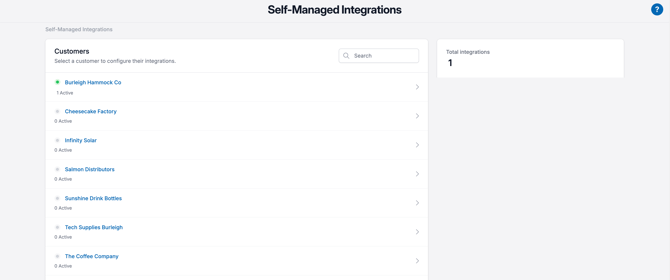
Click on the customer you wish to create the integration for.
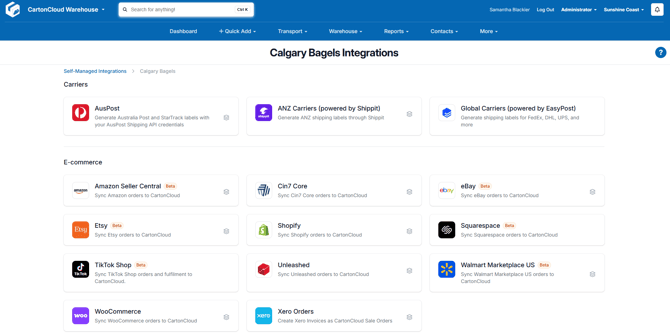
- Select the app you wish to connect to or the integration you wish to view.
As a Customer user
-
Navigate to the Integrations page More > Self-Managed Integrations.
-
Select the app you wish to connect to or the integration you wish to view.