
Table of Contents
Purpose
The CartonCloud Mobile Apps offer users the option to upload diagnostics data. This is to allow the CartonCloud team to identify any issues that a mobile app user might experience while using the app.
How to send diagnostics
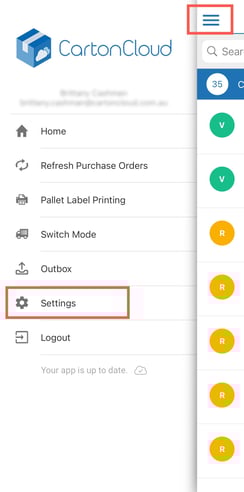
- Tap the menu selection and click Settings.
- Tap SEND DIAGNOSTICS.
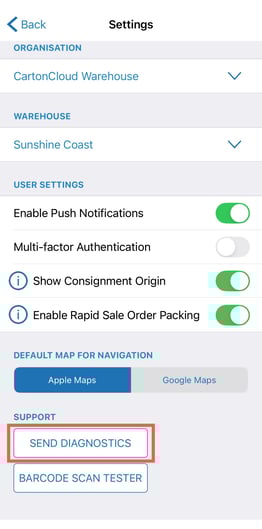
Selecting this option uploads the app's diagnostics data to the CartonCloud web app where it can be accessed by the CartonCloud team for issue investigation purposes.