Table of Contents
- Purpose
- How to upload invoices or documents to a delivery consignments for stock going out of the warehouse
Purpose
Instead of uploading an invoice document to the Sale Order when creating it, you can alternatively upload it directly to the corresponding Consignment as a Consignment Invoice instead. Note, this process is only relevant if your CartonCloud account owner is using both the Transport and Warehouse CartonCloud system and has the correct settings enabled.
How to upload invoices or documents to a delivery consignments for stock going out of the warehouse
- Navigate to the Sale Orders page, Warehouse > Sale Orders.
- Click on the relevant order.
- Approve the order by clicking Approve.
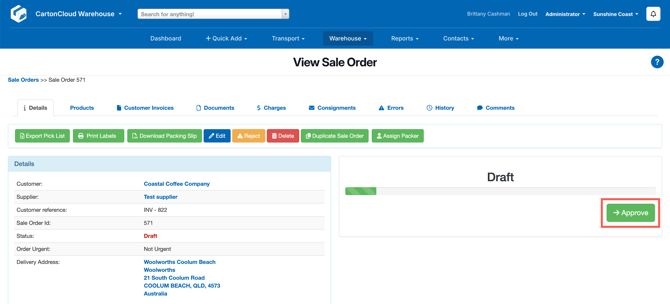
- Click Approve.
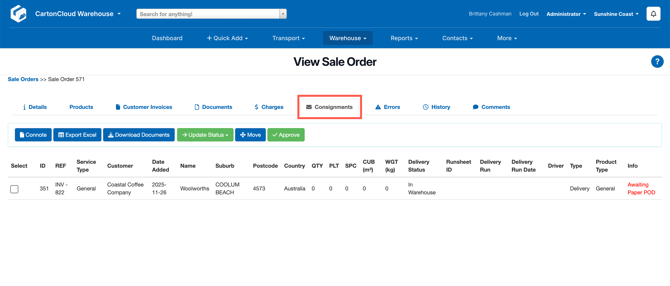
- Navigate to the Consignments tab and click on the linked Consignment.
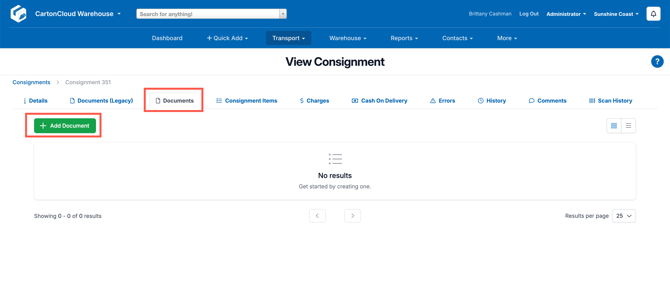
- Select the Documents tab and click + Add Document.