
Table of Contents
Purpose
Once a Purchase Order is invoiced, you will need to follow a different process to bulk split stock. Rather than bulk splitting from the Purchase Order directly, you need to do it from the Purchase Order Product.
Use cases
If you forgot to split the Purchase Order upon receiving it.
How to split a purchase order
- Navigate to the Purchase Order page, Warehouse>Purchase Orders.
- Select the relevant Purchase Order.
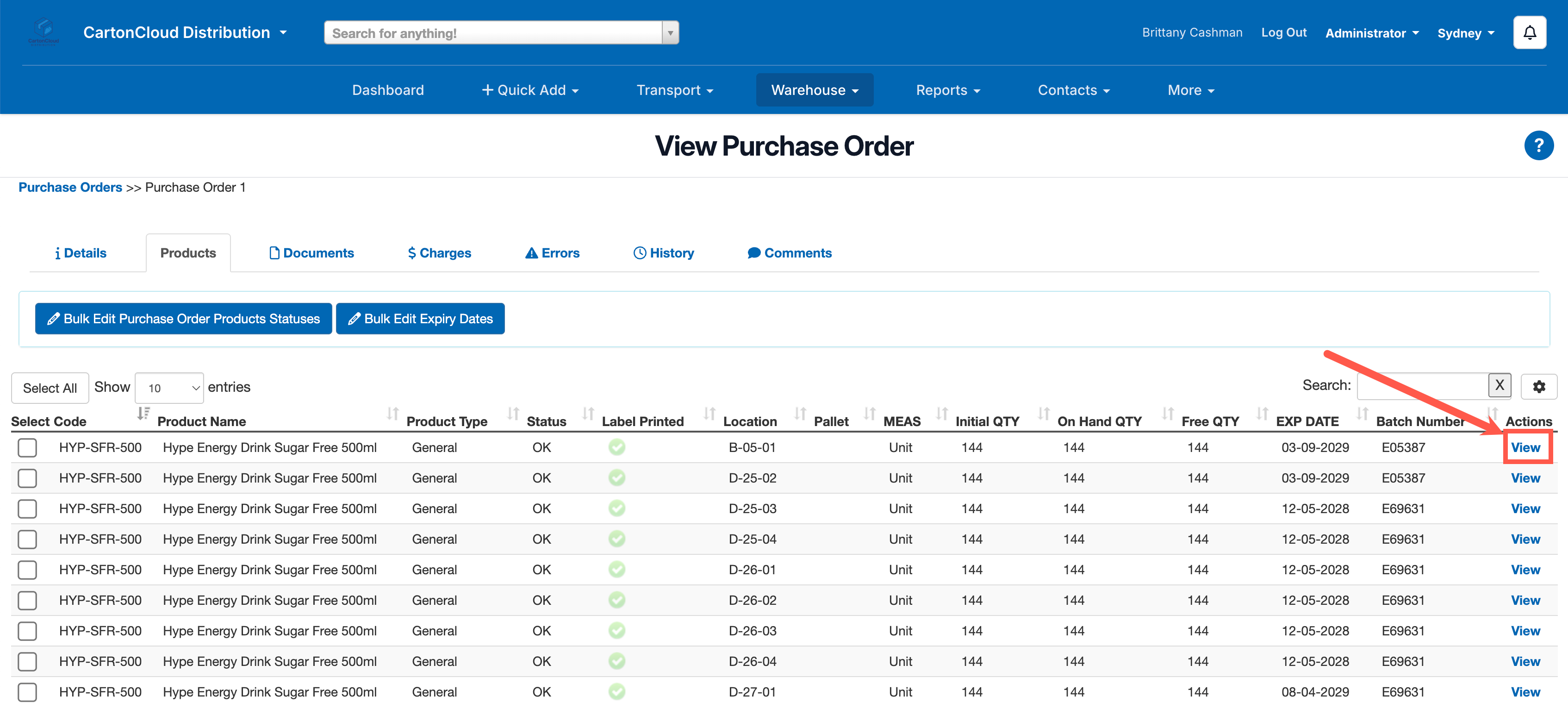
- Select the Products tab.
- Select the View button against the relevant line of stock you wish to split.
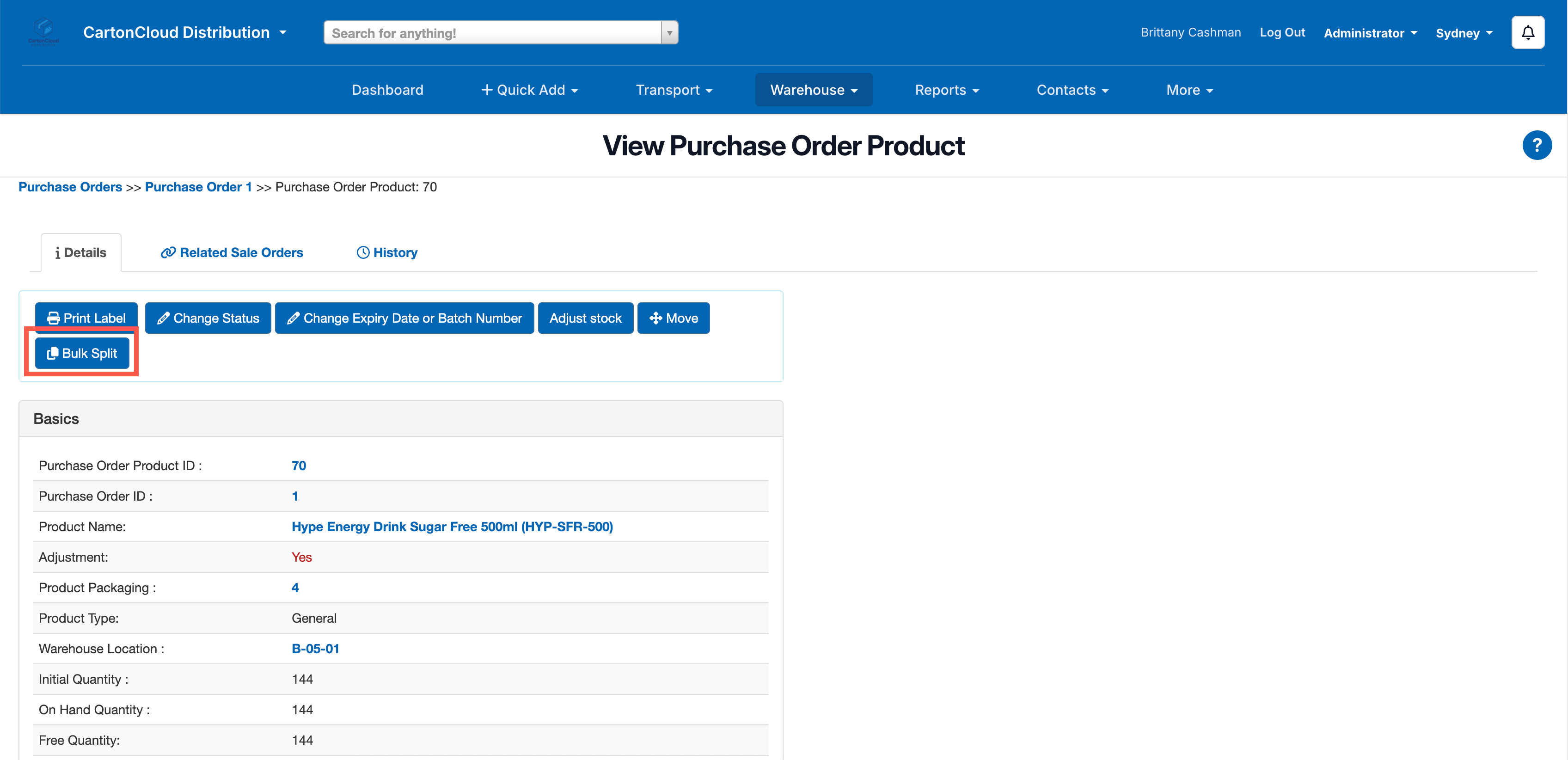
- Select the Bulk Split button.
- Select the Warehouse Location to move the stock to and the Qty/Pallet count to split.
- Click Bulk Split.