Table of Contents
Did you know that CartonCloud also offers a Self-Managed Shopify integration? Allowing Customers to create and manage their own integrations!
Learn more: Self-Managed Shopify Integration
Overview
Shopify is an e-commerce application and has the ability to integrate with CartonCloud.
What does the integration allow?
A new order in Shopify creates a new Sale Order in CartonCloud

- The delivery address, customer reference and all ordered items is transferred to the new Sale Order in CartonCloud from the Shopify order
- Rules can be configured to control what orders from Shopify are sent across to CartonCloud
- Ability to include additional information from Shopify (such as order value, ship method) and map them to Custom Fields in CartonCloud
Mark an order as fulfilled in Shopify once the CartonCloud Sale Order has reached a certain status

- Orders that originated from Shopify will be marked as completed once the CartonCloud Sale Order has reached a chosen status (packed or dispatched)
- If Shippit or Starshipit is also integrated with your CartonCloud account, then tracking numbers and carrier can also be returned to Shopify
Update inventory levels in Shopify
- Send stock on hand information from CartonCloud to Shopify
- See Setting up Shopify Stock Sync by Email or FTP for more information
Note, 'approximateUnitPrice' is a field available via the API that records an estimated unit price for each product within a Sale Order. This is useful for scenarios where the exact unit price may not be known at the time of order creation.
What you need to get started
- The customer must be created in CartonCloud with products set up (product codes should match the product codes set up in Shopify)
- Your customer requires a Shopify account
Next steps to get connected
-
Read the integration requirements here
-
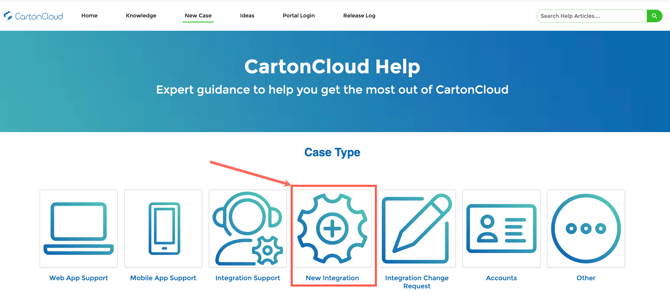
Send an integration request via CartonCloud Help (with the requirements included - more information regarding the listed requirements the better!). The team will provide you with a quote upon sending through your request.