
Table of Contents
Overview
SAP has various products including SAP ERP (formally R3), SAP Business One (SAP B1) and SAP S/4 HANA and each product depending available functionality and the business requirements can integrate with CartonCloud. This article focuses on XML iDocs. Enterprises that have a preference for / pre-existing Edifact and/or ANSI X1 2 messaging in place via a message broker / middleware can also be supported.
What does the integration allow?
SAP is generally considered one of the most comprehensive Enterprise Resource Management Systems and therefore supports a comprehensive suite of functions and messaging relating to warehousing and distribution activities. These workflows include:
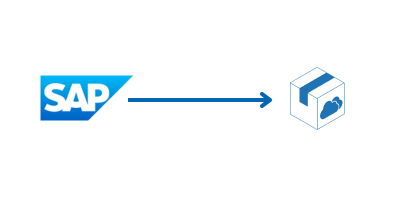
- Purchase Order, ASN, Stock Transfer, Returns in SAP creates a new Purchase Order in CartonCloud
- Sale Order, Packing Instructions, Deliveries, Shipments in SAP create a Sale Order in CartonCloud
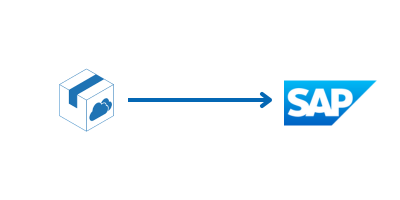
- A Purchase Order confirmation in CartonCloud sends a goods receipt confirmation to SAP
- Sale Order pick confirmation in CartonCloud sends a Goods Issue Confirmation to SAP
- Product status change in CartonCloud creates an inventory status change in SAP
- Stock adjustment in CartonCloud creates a Warehouse Inventory Adjustment in SAP
- Stock on Hand Report in CartonCloud creates a Inventory Discrepancy Report in SAP
What you need to get started
- The customer must be created in CartonCloud
- Your customer requires a SAP account. Generally enterprises using SAP will have an in house SAP specialist or third party SAP consultant to help set up the integration.
- SAP version (SAP ERP, SAP B1, SAP S/4 HANA)
- Message Framework (iDoc (xml), Edifact, X12, Custom xml, csv)
Next steps to get connected
-
Read the SAP Requirements
-
Send an integration request via a New Ticket (with the requirements included - the more information regarding the listed requirements the better!). The team will provide you with a quote upon sending through your request.