Table of Contents
- What is a Task
- Benefits / use cases of tasks
- How to create a Task
- How to access the task picking mode (Sale Order picking)
- Process
What is a Task
A task is an outbound order (Sale Order) that needs to be packed/actioned on the mobile application. In the future, tasks will also include Replenishments, Stocktakes and inbound orders, enabling the scheduling of multiple warehouse operations which are all actionable from the one screen.
Benefits / use cases of Tasks
- Easily manage orders that need to be packed.
- Avoid users working on the same order.
How to create a task
A task will automatically be created when a Sale Order is in “Awaiting Pick and Pack” status.
How to access tasks (Picking Mode)
- To access Tasks (Sale Orders) you need to use the Picking Mode.
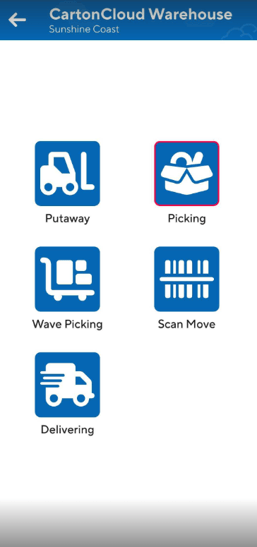
- Navigate to the Switch Mode screen. Select the menu navigation icon on the far left and then click Switch Mode.
- Select Picking.