Table of Contents
Purpose
To record Adhoc Charges against the Sale Order when completing the picking and packing of an order.
How to record Adhoc Charges
You can record Adhoc Charges at any time throughout the picking and packing process. You will also be prompted upon completing a Sale Order pack to record Adhoc Charges if required.
To record Adhoc Charges:
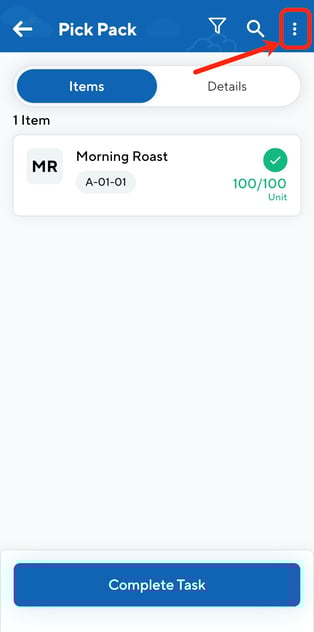
- Select the three dot icon in the top right corner.
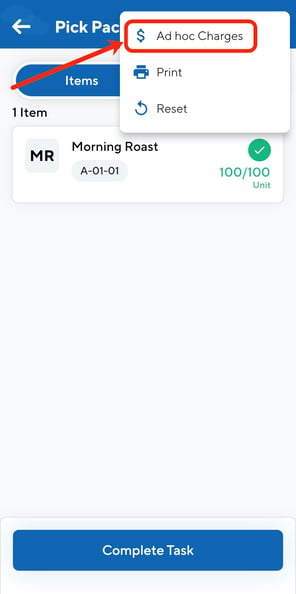
- Select Ad hoc Charges.
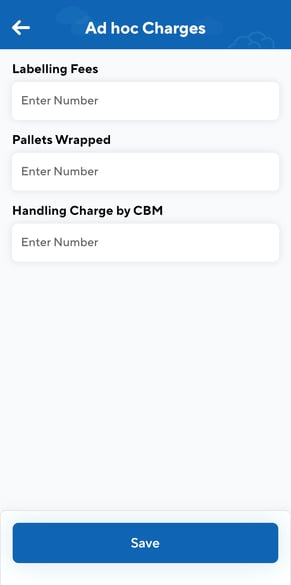
- Enter the charge value against the relevant Ad hoc Charges.
- Click Save.