Table of Contents
Purpose
To print Sale Order labels through the picking and packing process.
How to print a Sale Order
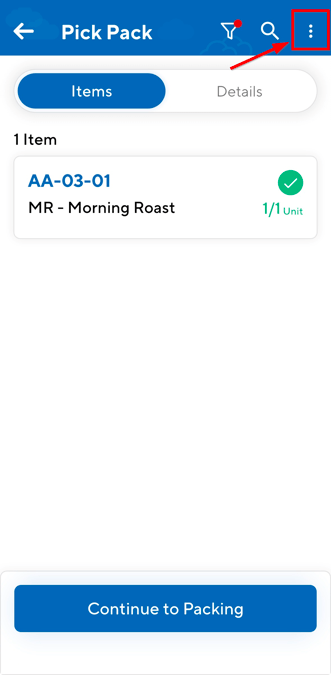
You can print a Sale Order label at any time during the picking and packing process. To do so:
- Select the three-dot
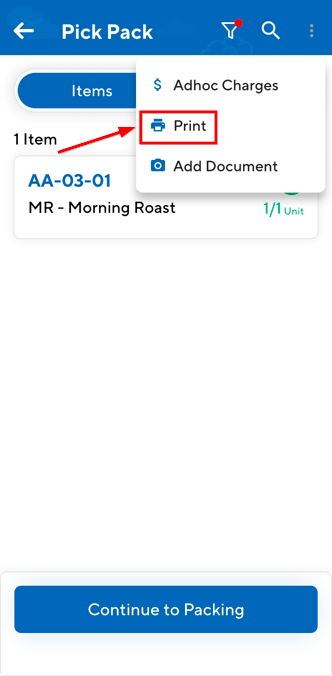
- Select the Print button.
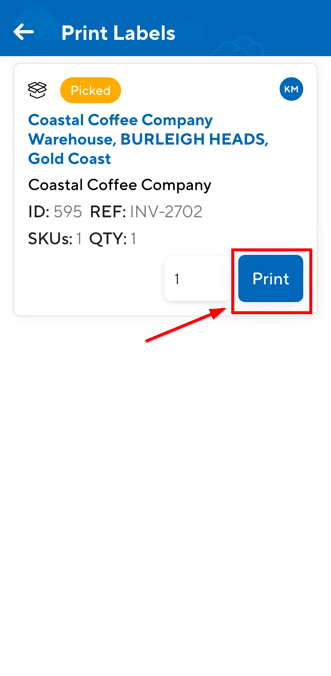
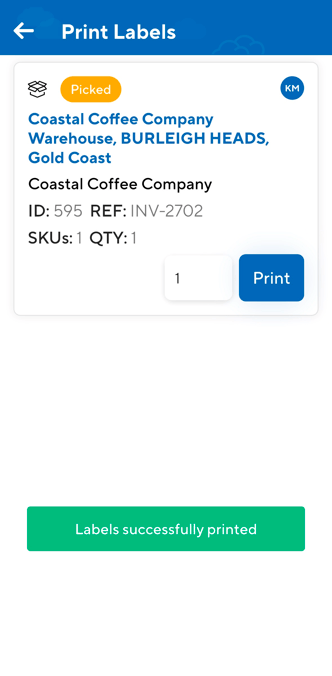
- Enter the number of labels you wish to print and then click Print.