
Order Documents
From the Order Documents tab, you can configure Order Documents Organisation Settings.
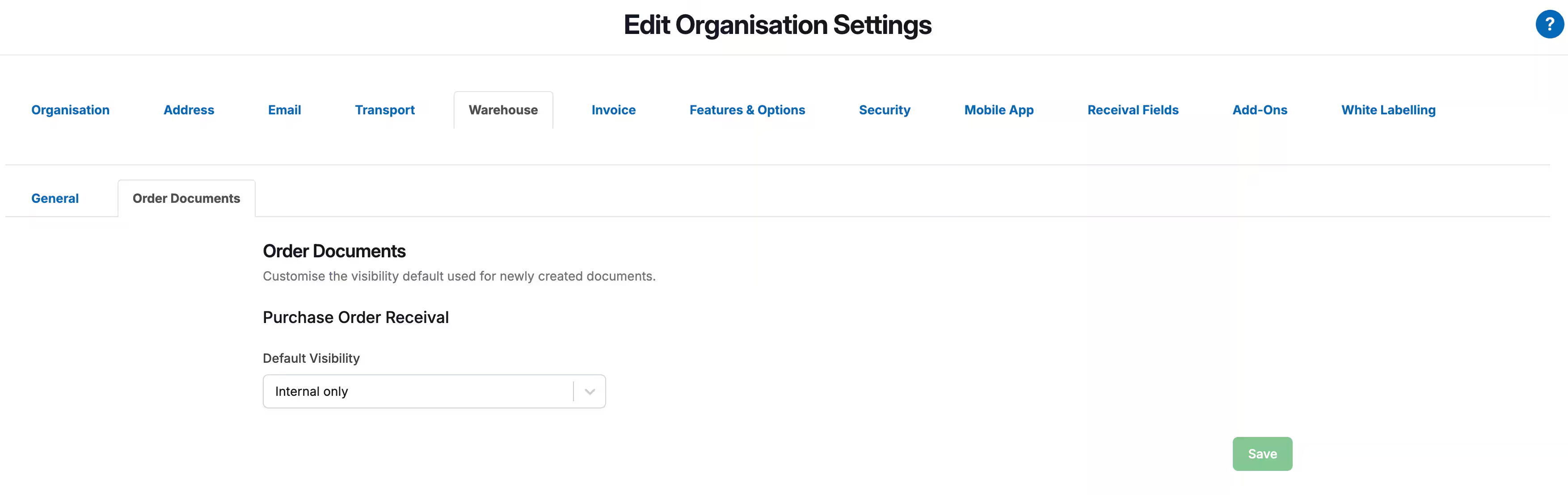
Purchase Order Receival
| Setting Name | Description |
| Default Visibility |
This allows you to set a default visibility level for each Purchase Order Document from the Organisation level (every Customer). The visibility options include:
Note, with a default visibility option selected, this is the visibility level that will be applied to the document automatically unless another one is chosen when creating the document. Note, once the setting is updated it will not be automatically applied to the mobile app. For the setting to update on the mobile app, you need to either 'pull down' on the Picking screen to refresh the mobile app or login/logout. |