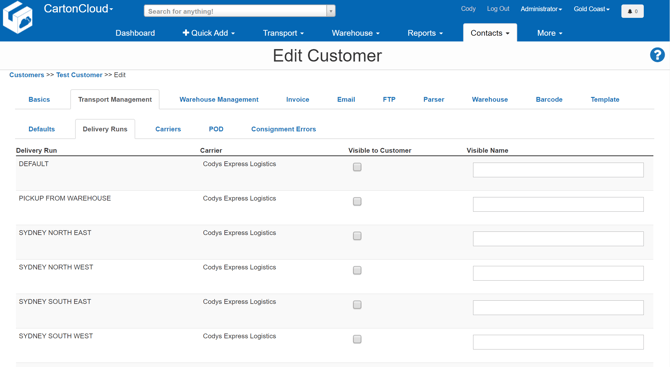
- To adjust the Delivery Runs visible to Customers begin by navigating to a Customer's record by selecting Contacts, then selecting Customers from the drop-down menu.
- On the View Customer page select Edit. Then select the Transport Management tab, followed by the Delivery Runs tab.
- From this page, a complete list of the Delivery Runs within your tenancy is displayed.
- Selecting these Delivery Runs as Visible to Customer will then do exactly that. The Visible Name then also allows you to provide an alias for the Delivery Run which the Customer will see from their view of CartonCloud.
- Ensure to scroll to the bottom of the page select Save after making any changes within this tab.