
Table of Contents
Purpose
Users with the Driver Role can be linked to a specific Delivery Run. By linking a Delivery Run to a Driver, Consignments for the Delivery Run will automatically show on the Driver's app without needing to be allocated. Once the POD is recorded against the Consignment, the Driver will be allocated to the record.
Note, numerous Drivers can be linked to the same Delivery Run.
Use cases
Use cases for this requirement include:
- Warehouse Pick-Ups
- Repeating Consignments
- Permanent Delivery Runs
How to steps
- Select Contacts > Users.
- Select the User you wish to edit.
- Select Edit Delivery Runs at the bottom of the page.
- Tick the Delivery Runs you wish to link to the Driver.
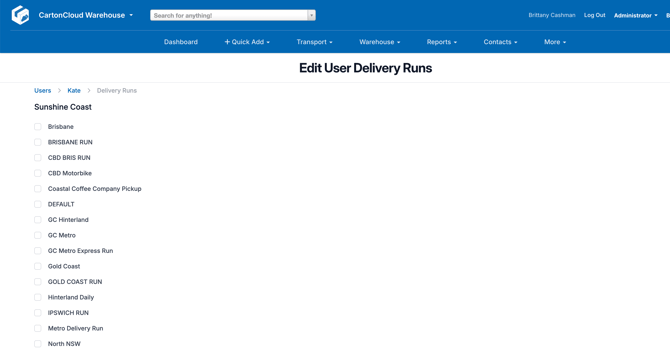
- Scroll down and select Save.