
Table of Contents
Purpose
To remove an address string from an address to reallocate it another address.
How to remove an address string
- Navigate to the relevant Address, More > Addresses. Select the relevant Address.
- Click the Address Strings tab.
- Use the select check box and select the relevant Address Strings.
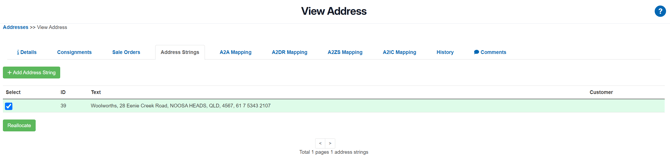
- Click Reallocate.
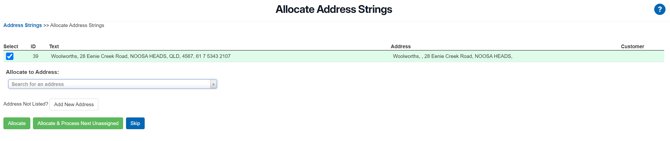
- Search for the relevant address in the Allocate to Address field or add a new address by selecting the Add New Address button.
- Once you have selected the address select Allocate.