Table of Contents
Purpose
How to check which version of the app you're running.With CartonCloud, new features, bug fixes, and general improvements are being released all the time. Our web application is updating constantly without you needing to do anything, however the mobile phone apps need to be updated (often manually).
It's important to keep updated on the Mobile Devices so you get access to the latest features and fixes.
Check which version
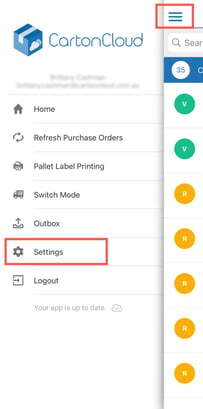
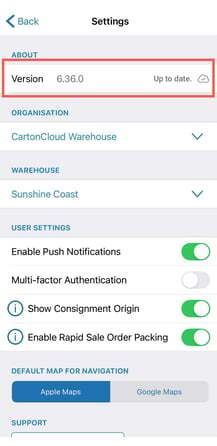
To check which version you're running, open the CartonCloud App and then open the Menu on the left and select "Settings". You will find the version information in the "About" section.