To begin using the Honeywell CK65, CT60, or CT40 device with the CartonCloud application you must first configure the device as per the below instructions.
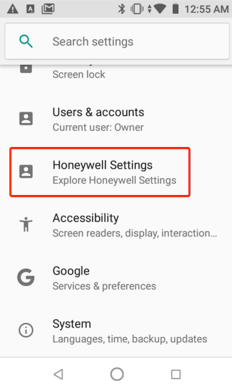
- Navigate to Settings on the device.
- Select Honeywell Settings.
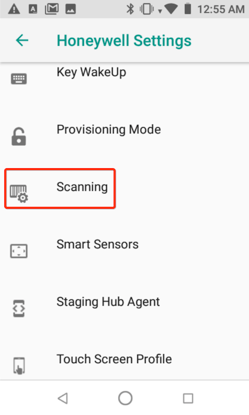
- Select Scanning.
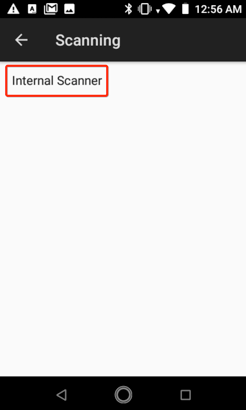
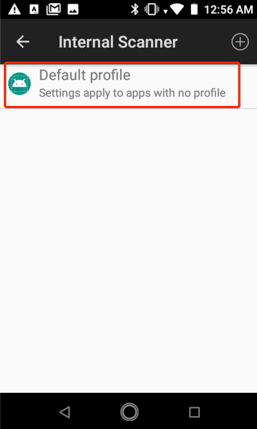
- Select Internal Scanner.
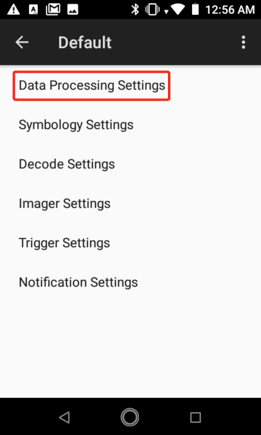
- Select Default Profile and then Data Processing Settings.
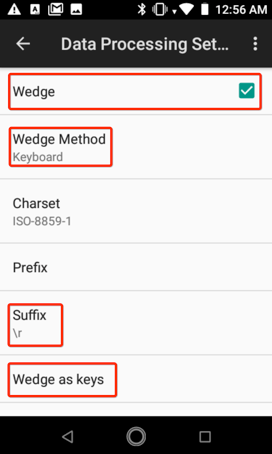
- Tick the Wedge option box.
- Set Wedge Method to Keyboard.
- Set Suffix to either \r or \n.
- Ensure the Wedge as keys field is empty. Delete any text.