Table of Contents
Purpose
To edit a single Warehouse Location.
How to edit a single warehouse location
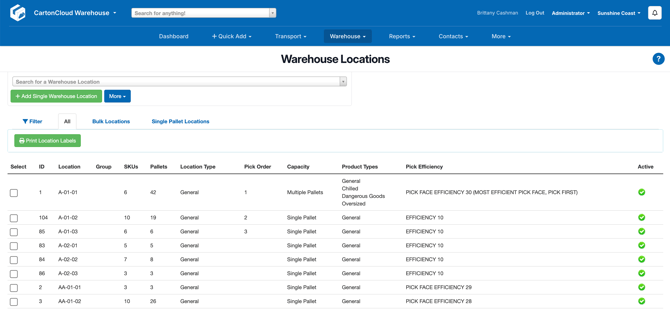
- Navigate to the relevant Warehouse Location, Warehouse > Warehouse Locations.
- Select the Warehouse Location you wish to edit.
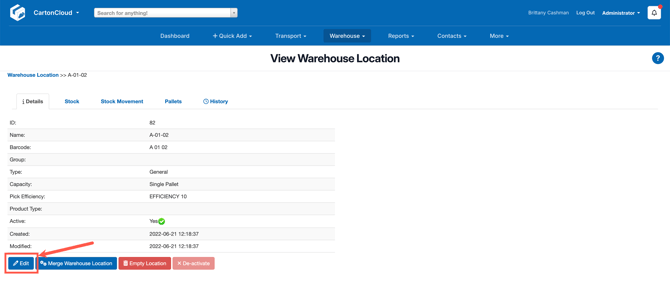
- Click the blue Edit button.
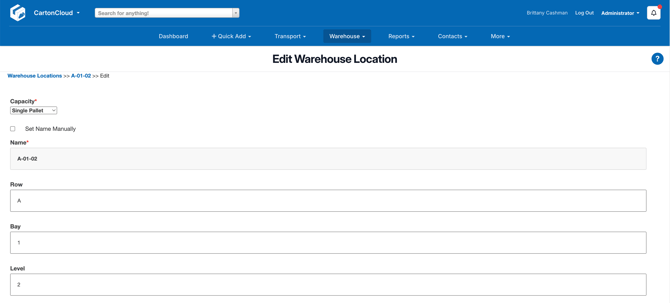
- From here you can edit the below fields (see Warehouse Location Fields for more detailed descriptions)
- Warehouse Location Name
- Location Barcode
- Product Type: the allowed Product Types in that Warehouse Location.
- Capacity: the capacity of the Warehouse Location if it is single or multiple pallets.
- Pick and Replenishment Efficiency: Pick Efficiency is used when selecting which stock to use automatically (see How CartonCloud chooses outgoing stock - Stock Selection Methods for more information). The Pick Efficiency ranges from 1 (being the least efficient) through to 20 (being the most efficient). If creating Pick Faces (for Replenishment) you will need to select a Pick Efficiency between 21 and 30 (30 being the most efficient).
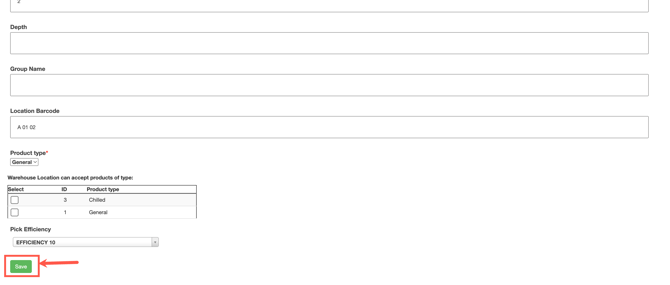
- Once all changes have been made, click Save.