
Table of Contents
Purpose
From this page, it is possible to set up default delivery address instructions. This way whenever you book a delivery or Sale Order going to a location the consignment or Sale Order will automatically populate with the special instructions you need.
These instructions are specific to your CartonCloud Customer account, so you can be assured that someone else's special instructions won't end up on your consignment (and vice versa).
Add a new address default instruction
To add a new instruction to a selected address first select +Add Instruction.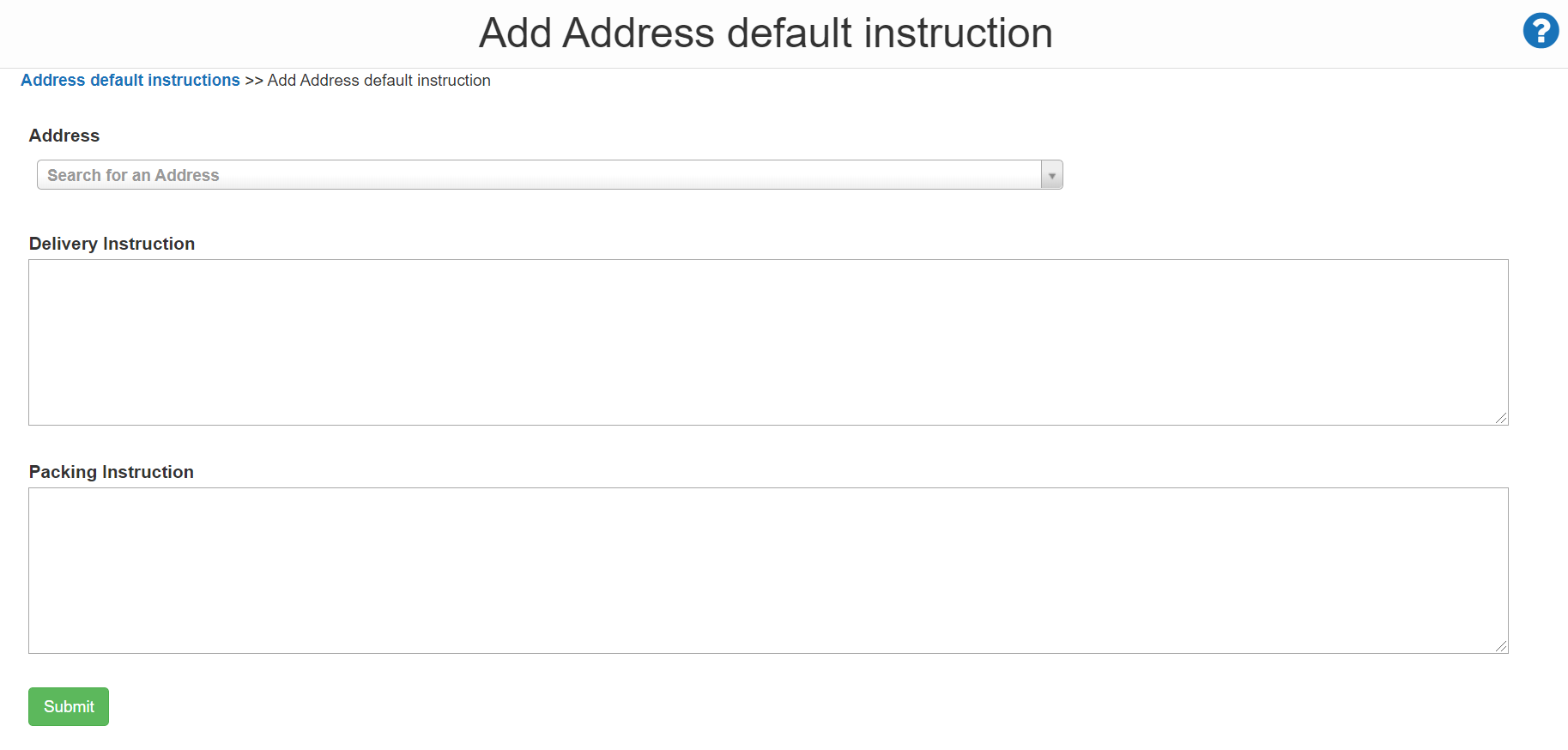
On next the page, fill in the instructions you wish to use for the address. Delivery instructions will be seen by the Driver on the consignment while Packing instructions will be viewable by Packers when processing the Sale Order.
Once completed, select Submit.
Now the next time you book an order to that address your special instructions will automatically populate!