
Table of Contents
Purpose
Modification Reasons provide a way to record a code, description and comments against changes made to Purchase Order Product statuses or quantities. These codes can be used when integrating with other systems such as SAP. Contact our Support team for further information regarding using Modification Codes with integrations.
Creating a Reason Code
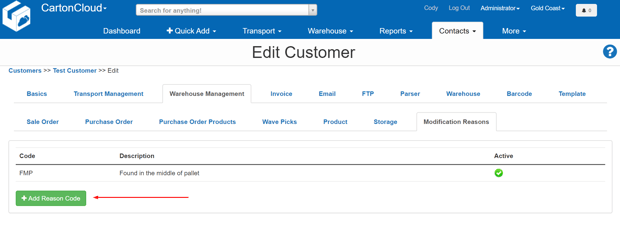
To create a new reason code. Select Add Reason Code.
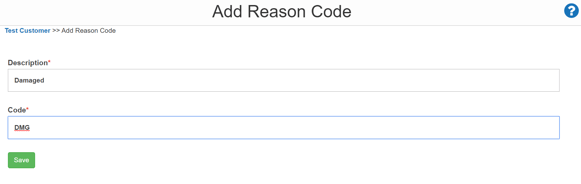
Provide a name and description for the Code, then select Save and the Reason Code will be created.
Using a Modification Reason Code on a Purchase Order Product
When changing Status
To change the status of a Purchase Order Product see the article - How to change the status of a Purchase Order Product (Stock)
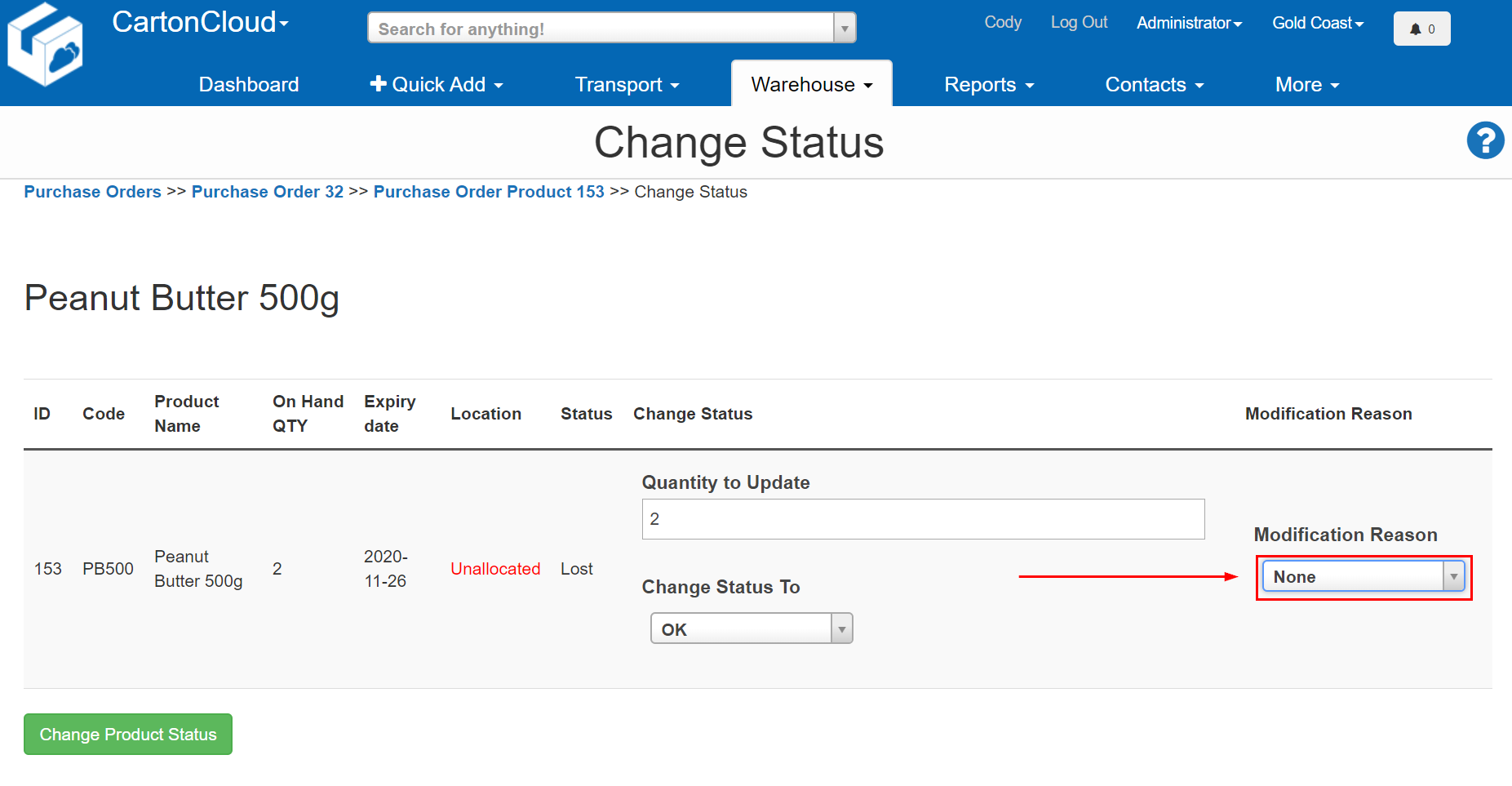
Once on the page to change the status if a modification reason has been created the menu option will appear allowing you to record the reason code and a comment against the change.
Once a reason is selected another field will appear allowing you to add comments.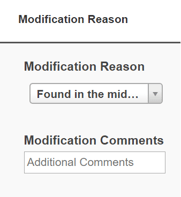
Once the information you require is entered include the change of status, select Change Product Status to save the changes.
When changing Quantity
Similar to changing the status, if a modification reason has been created the menu option will appear allowing you to record a reason code and a comment against the change.
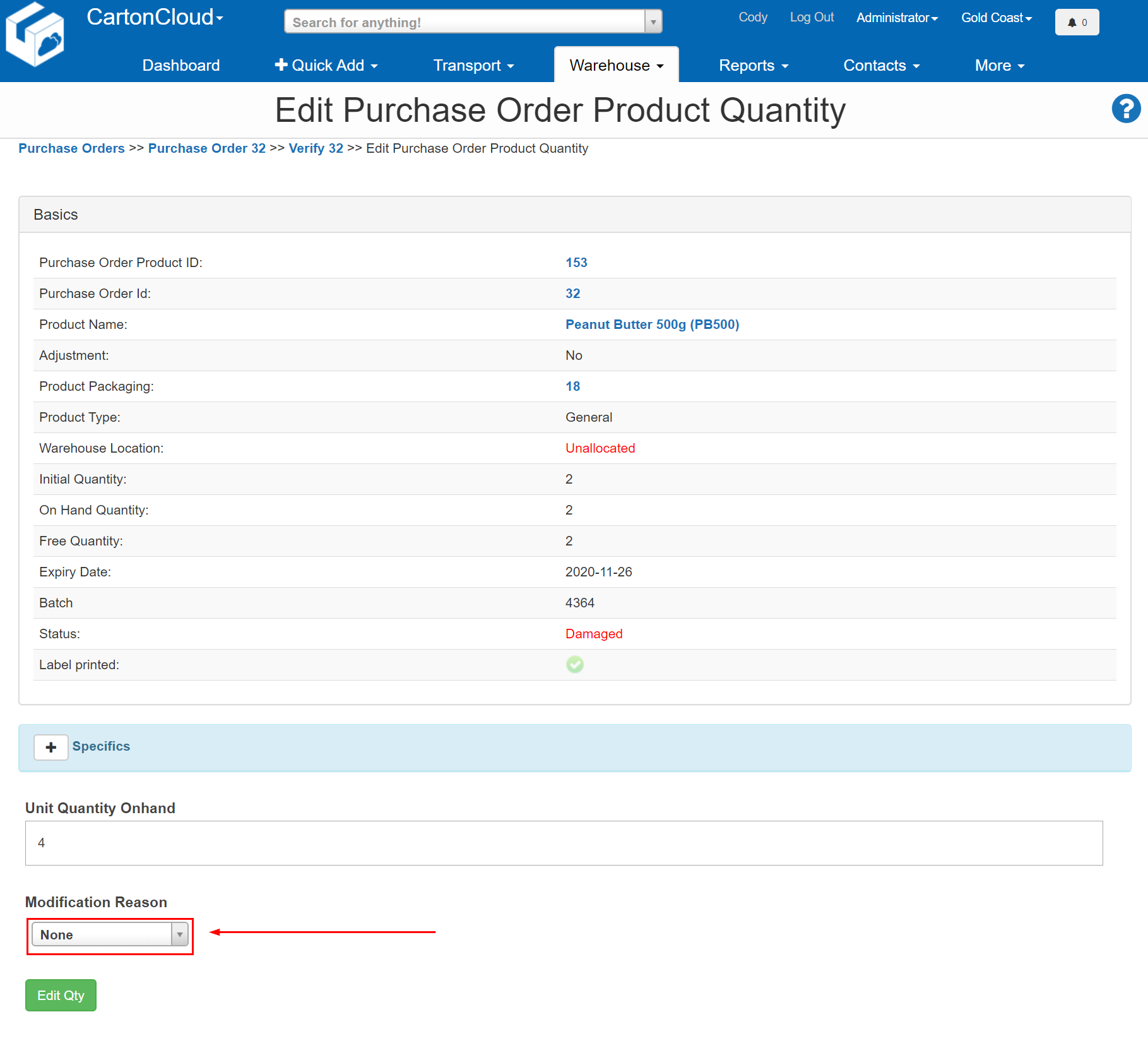
Once a modification reason is selected, the comments field will appear.
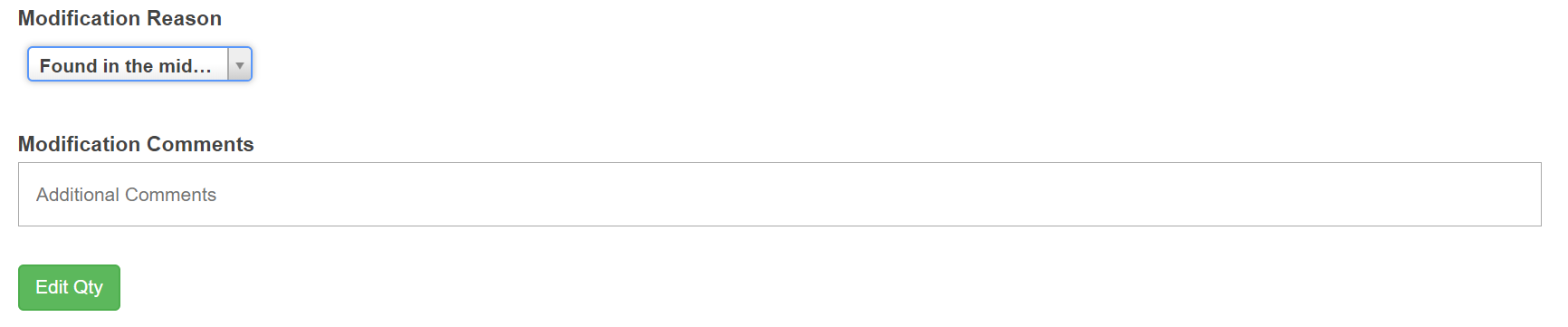
Once the information you require is entered including the quantity you wish to update, select Edit Qty to save the changes.