
Table of Contents
What is a Container?
A container in CartonCloud is a container that is being received into your warehouse.
Container Custom Fields
Before creating a Container it is suggested you create the required Custom Fields. Custom Fields allow you to record custom information against the Container. Two custom fields that you should create are Container Arrival Date and Container Departure Date. For steps on how to create a Custom Field click here - Introduction to Custom Field.
How to create a Container?
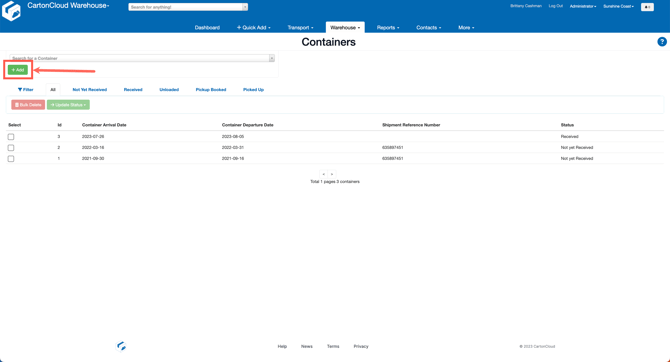
- Type Containers into the Search for anything bar.
- Click +Add.
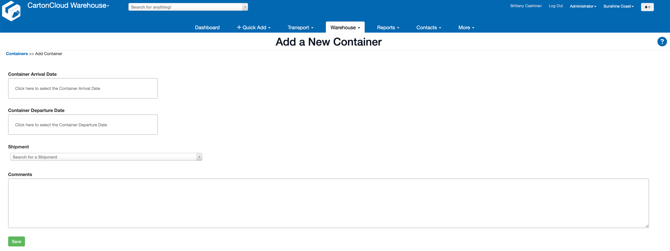
- Enter the Container Arrival Date, Container Departure Date and related Shipment reference (if the shipment has been created/if you have a related shipment).
- Once the Container has been created you can view the container details from the View Container screen. From here, you can update the status.
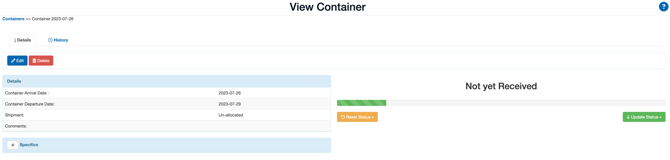
- The different statuses the container can move through include: Not yet Received, Received, Unloaded, Pickup Booked, Picked Up.