
How to steps
In order to automatically allocate consignments to drivers
- Select Contacts > Users.
- Select the User you wish to edit.
- Select Edit Delivery Runs at the bottom of the page.
- Tick the Delivery Runs you wish to link to the Driver.
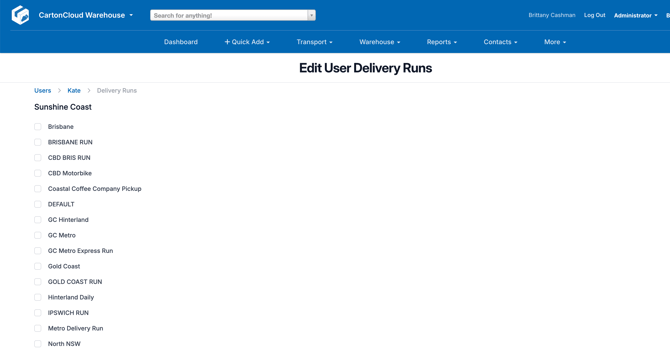
- Scroll down and select Save.