
Table of Contents
Overview
Australia Post (AusPost) is an Australian carrier and has the ability to integrate with CartonCloud
What does the integration allow?
A CartonCloud Sale Order or Consignment creates a shipment within AusPost

- Delivery address and items with respective weights are transferred from CartonCloud to the new shipment record in AusPost
- Select when the shipment is created, for example, once the order is packed or dispatched
Pulling tracking information from Australia Post to CartonCloud

- Two way integration allowing the courier tracking number to be pulled from AusPost to the CartonCloud order
- The tracking details can be sent to other application such as Shopify when marking orders as fulfilled.
Printing Australia Post labels
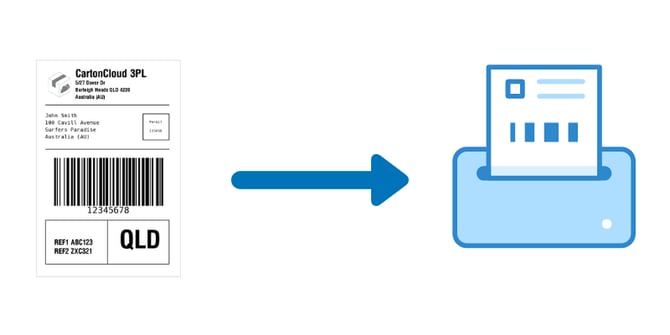
- AusPost labels can be configured to print directly from within CartonCloud.
- Printing of the labels can occur automatically by selecting an order or consignment status event such as when the order is marked as packed or by clicking a Custom Buttons.
- This limits the need to continually switch between applications when packing an order
What you need to get started
- The customer must be created in CartonCloud with products set up (product codes should match the product codes set up in AusPost)
- Your customer requires a AusPost account
Next steps to get connected
-
Read the Australia Post Requirements
-
Send an integration request via a New Ticket (with the requirements included - more information regarding the listed requirements the better!). The team will provide you with a quote upon sending through your request.