
Mobile App Region Switching
CartonCloud is hosted in two different regions, Asia Pacific (Sydney) and North America (Ohio). When CartonCloud tenancies are created, they are created in either Asia Pacific or North America depending on the geographic location.
Accessing the various regions
Webapp
Accessing the different regions via the webapp is achieved through two different URLs
Asia Pacific: app.cartoncloud.com
North America: app.na.cartoncloud.com
Mobile App
On the mobile app, the region is always visible on the login screen.
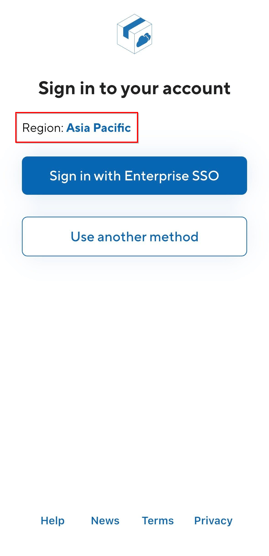
On first install, the app automatically selects a region based on the phone’s system region and remembers the selected region for future logins:
-
Phones set to the Americas: default to North America
-
All other regions: default to Asia Pacific
To log in, select the desired region, enter the username and password, and proceed.
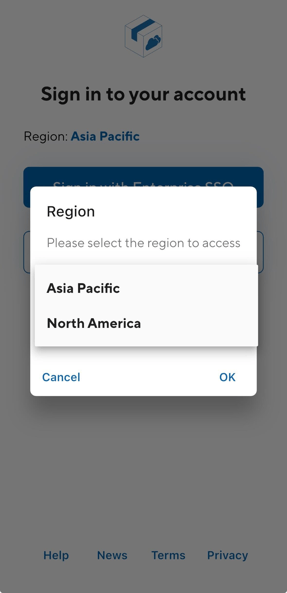
To switch regions, log out of the app and select the other region on the login screen before logging in again.