Table of Contents
Purpose
In some cases, you may need to add or remove warehouses to a user's access. To do so, you can edit the user and add or remove warehouses to their profile.
How to modify the warehouses a user has access to
- Navigate to the Users page, Contacts>Users.
- Select the relevant User.
- Select the blue Edit button.
- Scroll down to the Warehouses section.
- Select the Warehouses you wish to give the user access to and/or unselect the Warehouses you want to remove from the user's access.
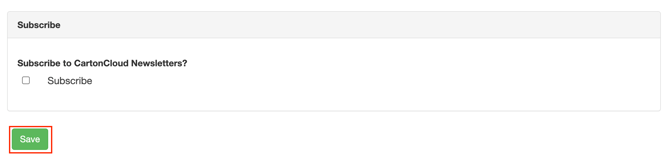
- Scroll to the bottom of the page and select Save.