
Table of Contents
Purpose
To add a comment to a Sale Order through the web app for users (excluding customers) to view (on the web app).
Benefits
- To record important information against the Sale Order.
- To communicate key information in relation to the Sale Order with other users.
How to add a comment to a Sale Order
- Navigate to the Sale Orders page, Warehouse>Sale Orders.
- Select the Sale Order you wish to add the comment to.
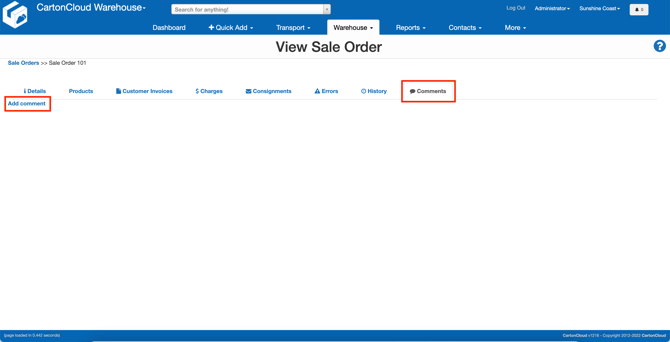
- Select the Comments tab.
- Click Add comment.
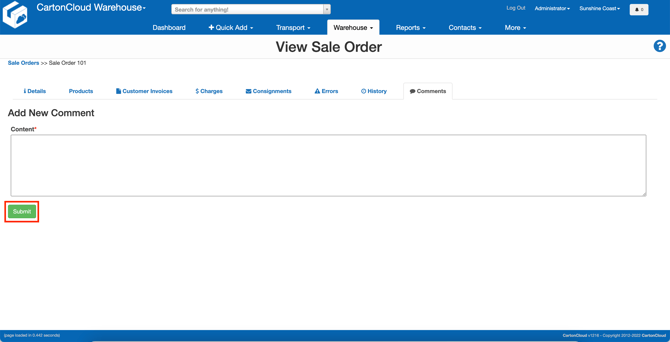
- Enter the comment.
- Click Submit.
- The comment will now be visible against the Sale Order on the web app for other users (excluding customers).