
Table of Contents
- Purpose
- How to add a new rate card
- How to duplicate a rate card
- Associating a rate card with a customer
Purpose
There are two ways in which you can create Rate Cards in CartonCloud. You can either:
- Create a new Rate Card from scratch or
- Duplicate an existing Rate Card. This is useful if you wish to create a Rate Card with similar settings and charges.
When creating or duplicating a Rate Card you can then associated a single or multiple customers to the one Rate Card.
How to add a new rate card
- Navigate to the Rate Cards page, More>Rate Cards.
- Select the green Add New Rate Card button.

- Fill in the information using the Rate Card Details Fields Descriptions.
How to duplicate a Rate Card
- Navigate to the Rate Cards page, More>Rate Cards.
- Select the relevant Rate Card.
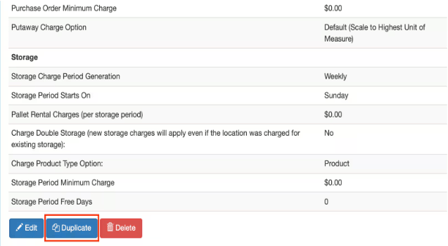
- Scroll to the bottom of the page and select Duplicate.
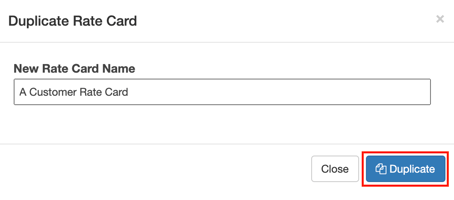
- Name the new Rate Card in the pop-out window.
- Click Duplicate.
Associating a Rate Card with a Customer
Once you have created your Rate Card you will then need to associate a single or multiple Customer to the Rate Card.
- Navigate to the Customers page, Contacts>Customers.
- Select the relevant Customer.
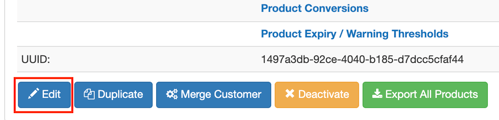
- Select the blue Edit button at the bottom of the screen.
- Select the Rate Card from the Rate Card drop-down menu.
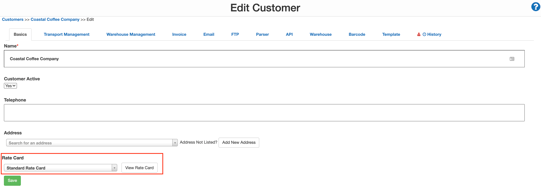
- Select Save.