Table of Contents
Purpose
How to complete the pick step on a Wave Pick on the mobile app.
How to steps
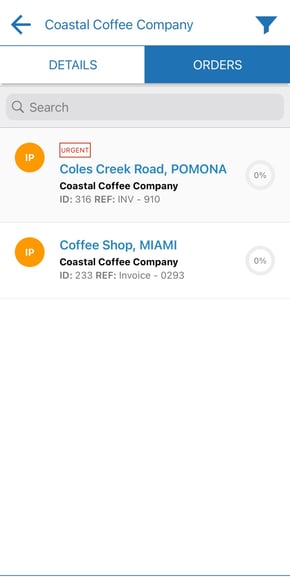
- Select the Wave Pick you wish to complete.
- Click the Pick Mode.
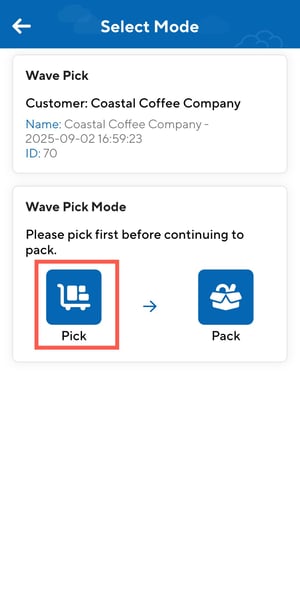
- From here you can choose to pick via Location or Product.
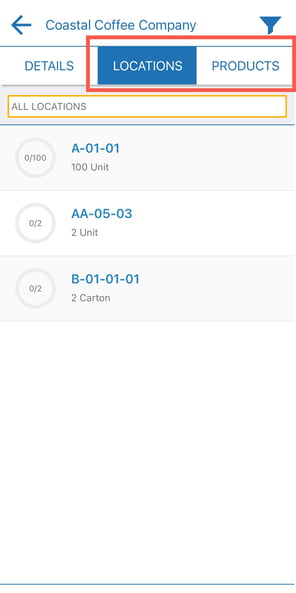
To pick via Location:
- Select Locations from the top selection bar.
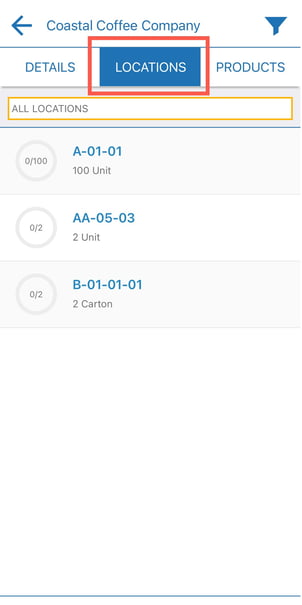
- Select a location to pick from.
- Tap into a product line for the selected location to pick it.
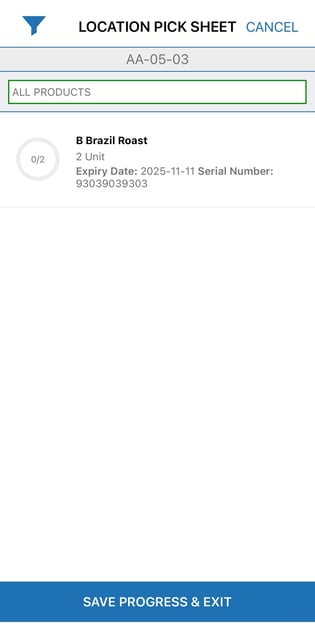
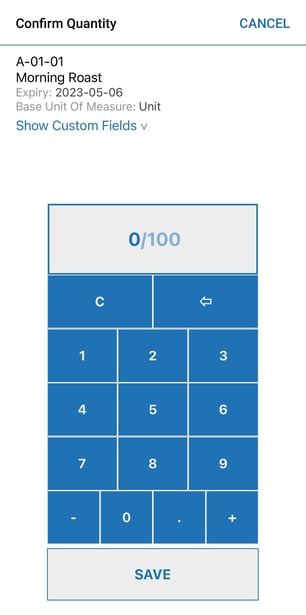
- Use the calculator to confirm the quantity or scan to confirm.
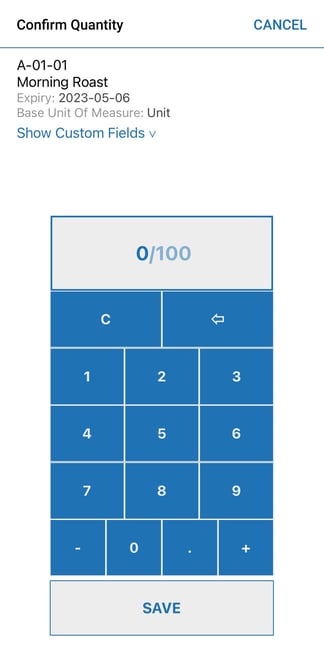
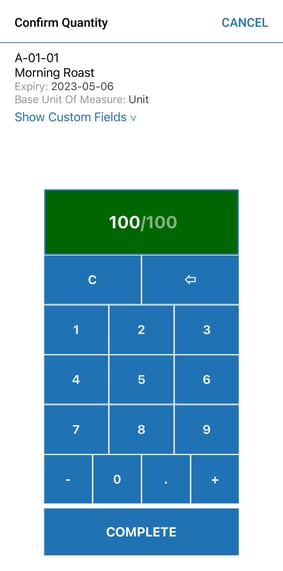
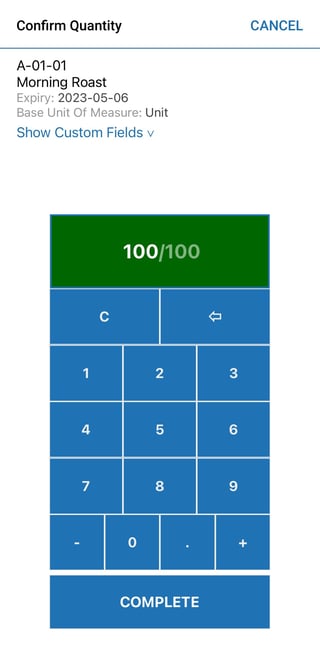
- Tap Complete.
- Tap Complete Pick once all products for that location have been picked.
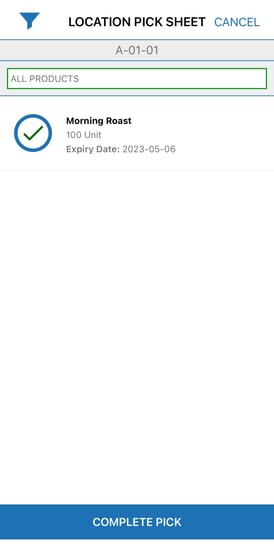
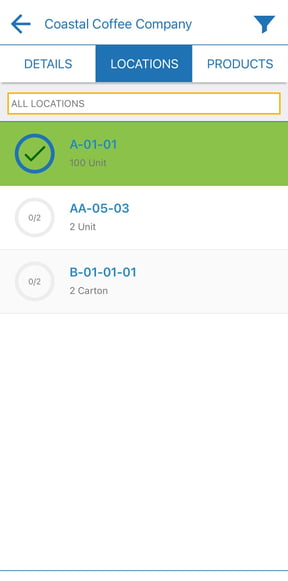
- Complete the steps for each location.
To pick via Product:
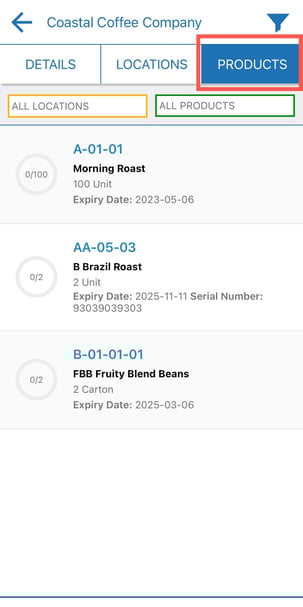
- Select the Products option from the top selection bar.
- Click into the product you wish to pick first.
- Confirm the quantity using the calculator view or scan to confirm.
- Tap Complete to complete the pick.
- Complete the steps for each product line.
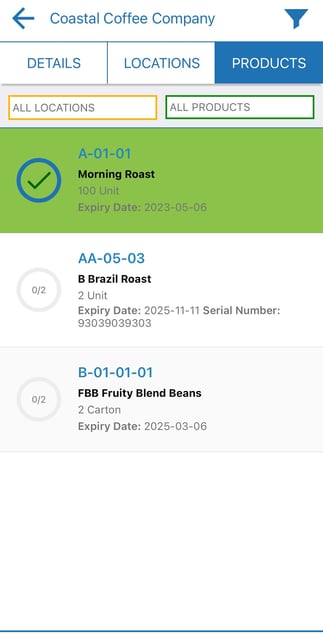
- Once all lines have been picked, select Continue to Pack. This will take you to the pack screen and step.
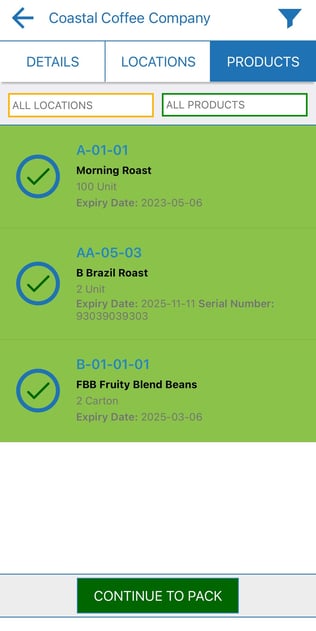
Pack screen: