Table of Contents
Purpose
How to complete the pack step on a Wave Pick.
How to steps
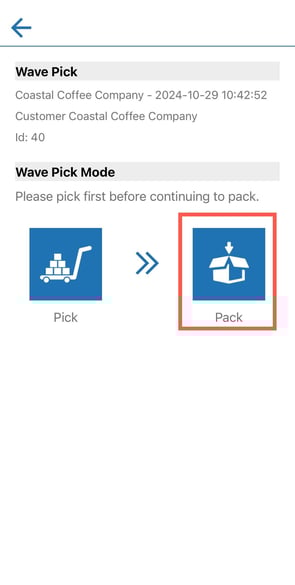
- Once you have completed the pick step on a Wave Pick you can begin the Pack step by selecting the Pack option.
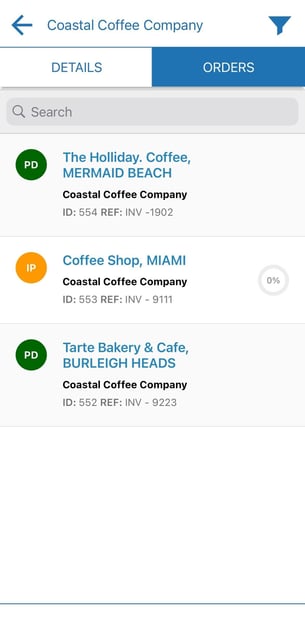
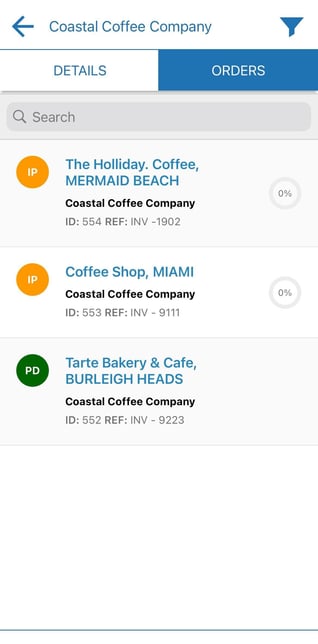
- Tap an order to start packing. Alternatively, if you have Product Unit of Measure barcodes set up you can scan a barcode to start packing and follow this process - Split Pick and Pack Wave Pick - Packing (Pack by SKU).
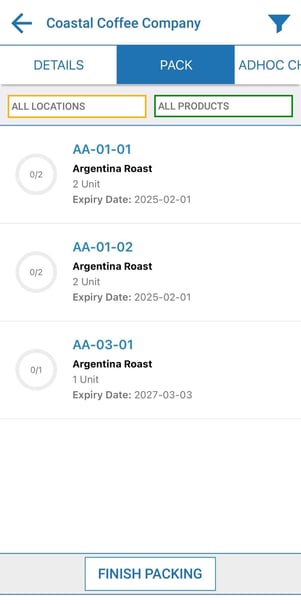
- Tap into a product to confirm the product quantity.
- Confirm the product quantity using the calculator view or scan to confirm.
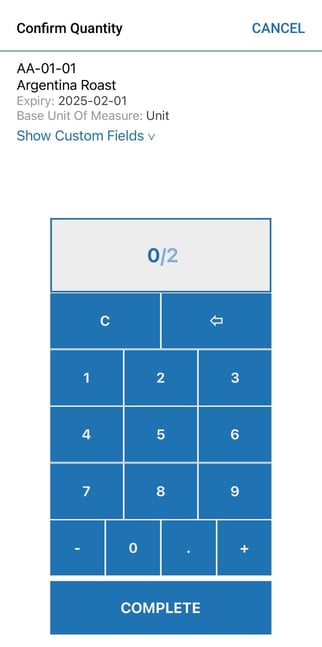
- Once confirmed tap Complete.
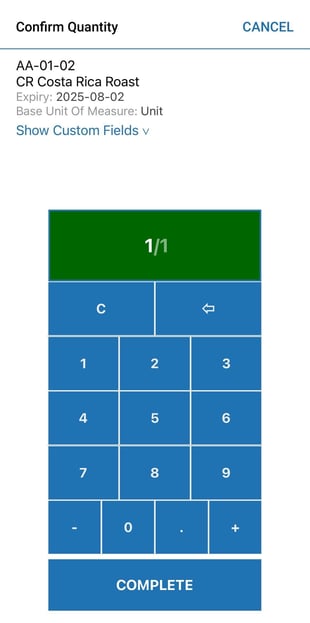
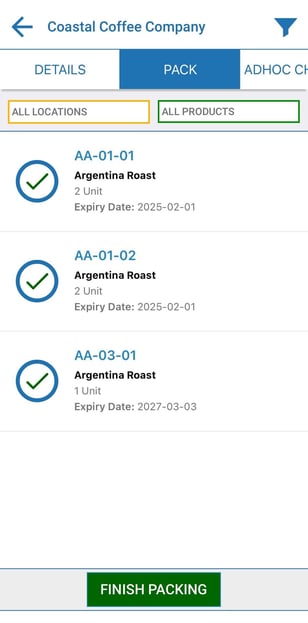
- Repeat this process for each product until all are confirmed. Tap Finish Packing.
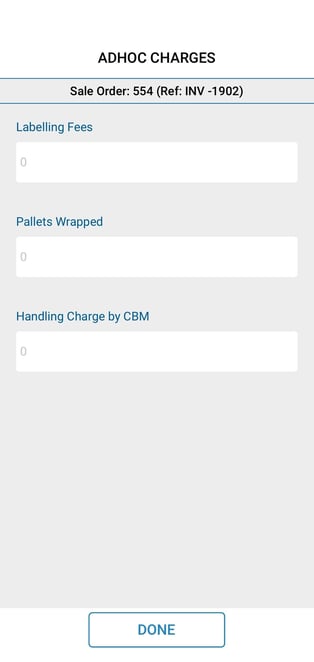
- Record any Adhoc Charges.
- Repeat this process for each order until all orders on the Wave Pick are packed.