Table of Contents
Purpose
When using a ScanSKU device you need to first configure the scanning settings on the device. How to configure the scan settings
- Search for the app Scan on the device.
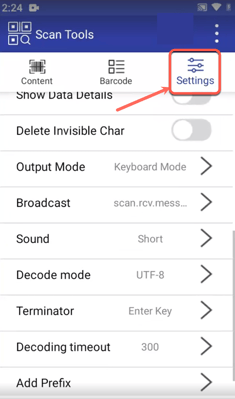
- Open the app and select Settings.
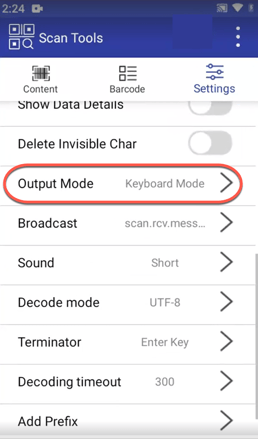
- Select Output Mode.
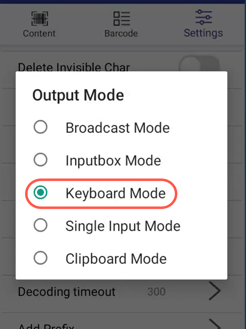
- Select Keyboard Mode.
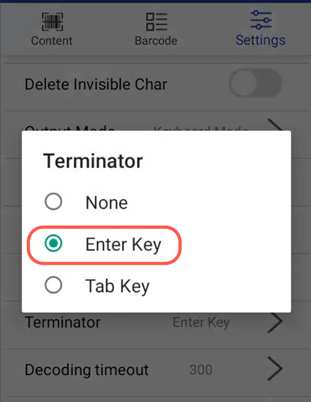
- Select Terminator.
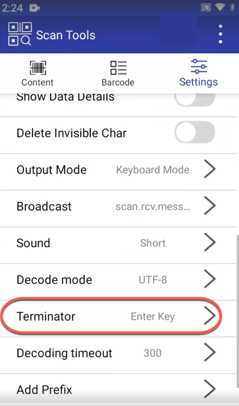
- Select Enter Key.