
Table of Contents
Purpose
The Deletion Logs allow you to see when a Sale Order, Purchase Order, Consignment, Manifest, Invoice, or Run Sheet has been deleted and who deleted the order.
The deletion log records clear after 60 days.
Video overview
Step-by-step guide
- Type Deletion Logs into the Search for anything bar.
- Use the below filter options to find the order you are looking for or use the All tab and scroll through the orders.

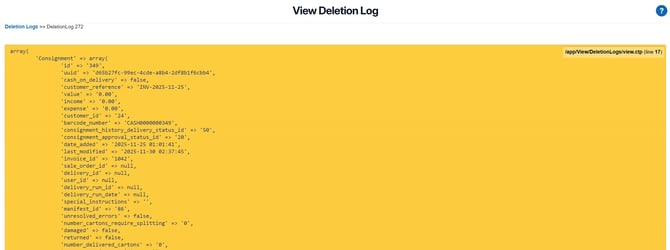
- Select the log you want to view; this will display the details of the deleted record.
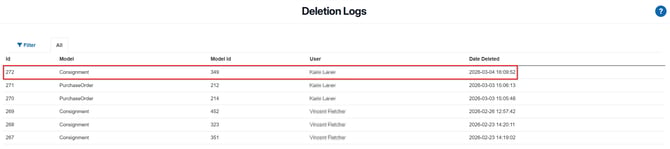
Filter Options Explained
-
Model – Filter by record type: Sale Order, Purchase Order, Consignment, Manifest, Invoice, or Run Sheet.
Note: The Invoice dropdown option and Invoice deletion log entries are hidden from Administrator users who have “Hide all charging information” enabled.
-
Search by ID / Reference / User / Customer – Quickly locate a specific record using its unique identifier or associated details.
-
User – See deletions performed by a specific user.
-
Date Deleted – Find deletions within a specific time frame.