
Based on your selection of Invoicing and Storage Charge settings, CartonCloud will generate the Storage Periods and add these automatically to Customer Invoiced. Sometimes though, there may be instances when you need to manually create a Storage Period which will later go on an invoice.
- To begin, type Storage Periods into Search for Anything!
- Once on the page, select +Add Storage Period
- Enter the details for the Customer and Date.
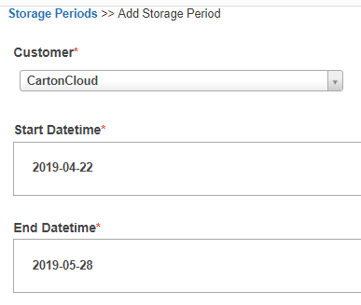
- Then select Create Storage Period and the storage period will instantly be created within the system.
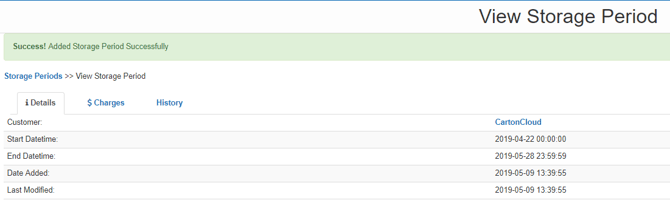
- Now that the storage period is created it will automatically go onto the next generated invoice.
- However, you can also choose to manually add it to an invoice if you wish.