
Table of Contents
- Overview
- What does the integration allow?
- What you need to get connected
- Next steps to get connected
Overview
Shippit is a multi-carrier shipping software that has the ability to integrate with CartonCloud.
What does the integration allow?
CartonCloud Sale Order creates a shipment within Shippit.
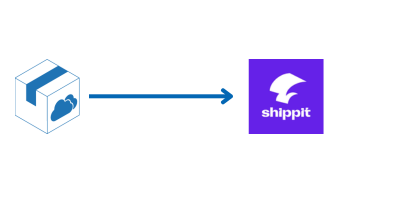
- Transfers the delivery address and Sale Order items with the respective weights.
- Custom fields can be mapped to fields within Shippit.
- Choose if the shipment in Shippit is created once the Sale Order is packed or dispatched in CartonCloud.
- Confirm the packaging to match with your preferred carrier and generate the labels from within Shippit.
Pull tracking information from Shippit to CartonCloud
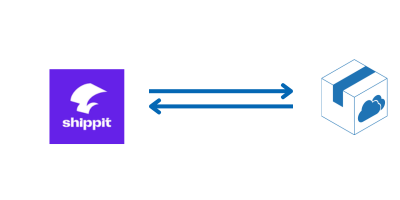
- The Shippit tracking ID or courier tracking number can be pulled from Shippit back into the CartonCloud Sale Order.
- These tracking details can then be sent to other applications such as Shopify when marking orders as fulfilled.
Printing shipping labels
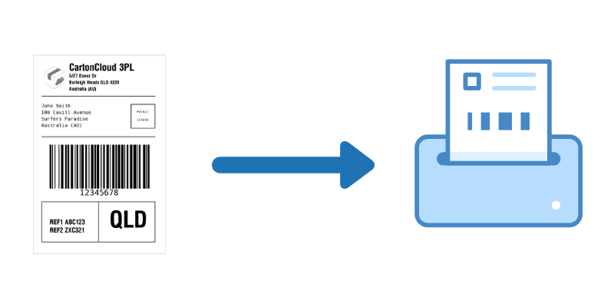
- By default, labels can be printed directly from within the Shippit application or you can choose to configure to print labels directly from within CartonCloud.
- Printing can occur automatically by selecting an order status event such as when an order is marked or packed or by clicking a custom button.
- This is useful as it eliminates the need to continually switch between platforms.
What you need to get connected
- Your customer requires a Shippit account.
Next steps to get connected
- Read the integration requirements - Shippit Requirements
- Send an integration request via a New Ticket (with the requirements included - the more information regarding the listed requirements the better!). The team will provide you with a quote upon sending through your request.